
Facebook Twitter Pinterest Flickr Google+ YouTube Instagram

Written on: May 25th, 2018 by: carl.shaw in Archives
On Wednesday, May 16, the Wilmington Library’s Inspiration Space hosted a career workshop and exploratory session for members of the Wilmington Youth Leadership Commission. Thirteen participants, ages 16-18, had an opportunity to share career goals, take career interest assessments and explore various fields to decide if it was a good fit for them. Aspects explored for each field were required education, work activities, additional skills they would need and salaries from state to state.
The students were also introduced to some resume writing and networking strategies that can immediately prove beneficial. Program Coordinator Darien Gray stated, “We appreciate the wealth of information provided by the libraries” and was eager to schedule the next session with the group which will focus on completing their own resumes. Delaware Libraries Inspiration Space program is definitely taking the next step in the evolving scope of library services. Focusing on the youth, which is the future of our communities is a great place to start!
Article written by Inspiration Space Program Coordinator, Carl Shaw, M. Ed.
Written on: July 17th, 2017 by: carl.shaw in Archives
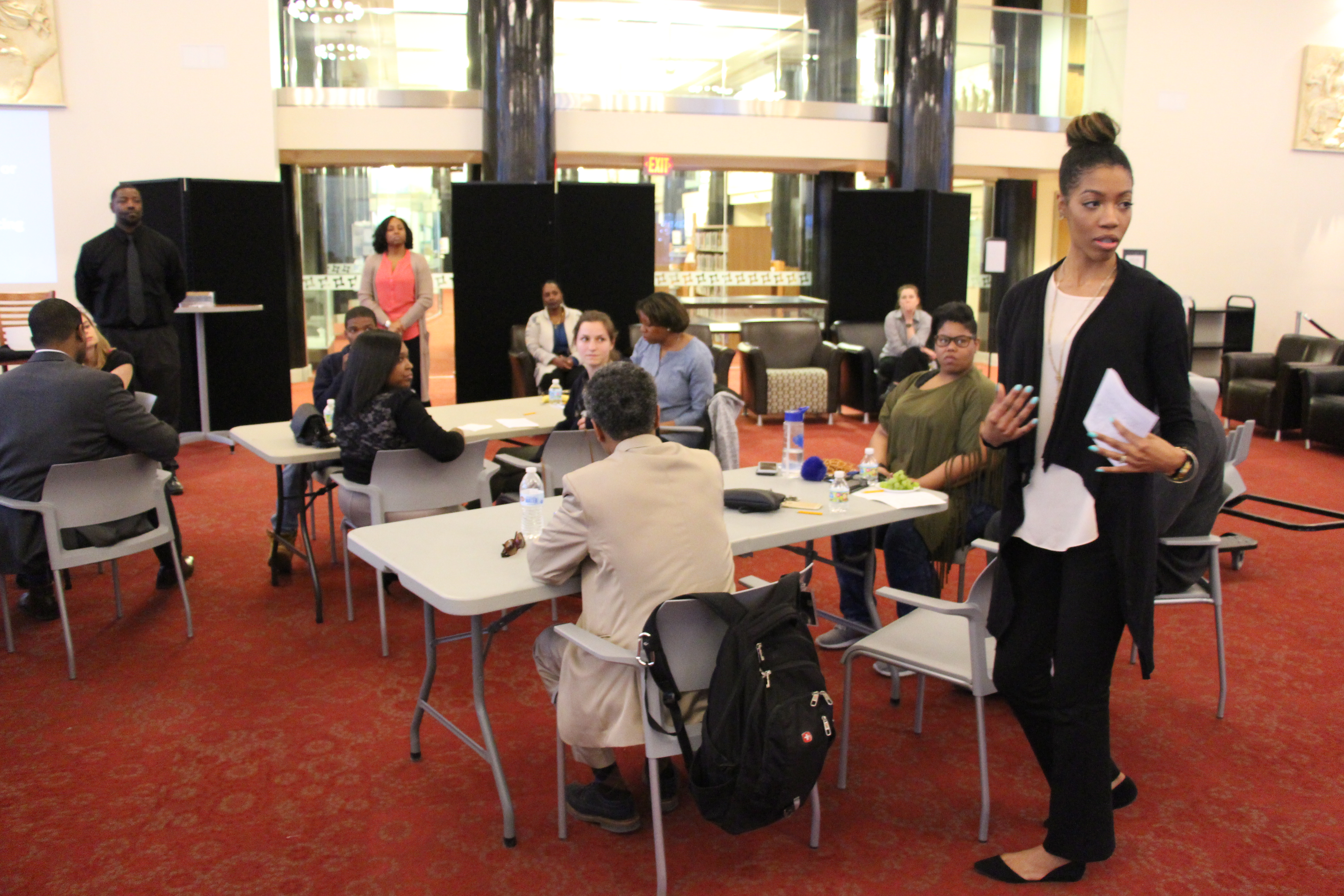
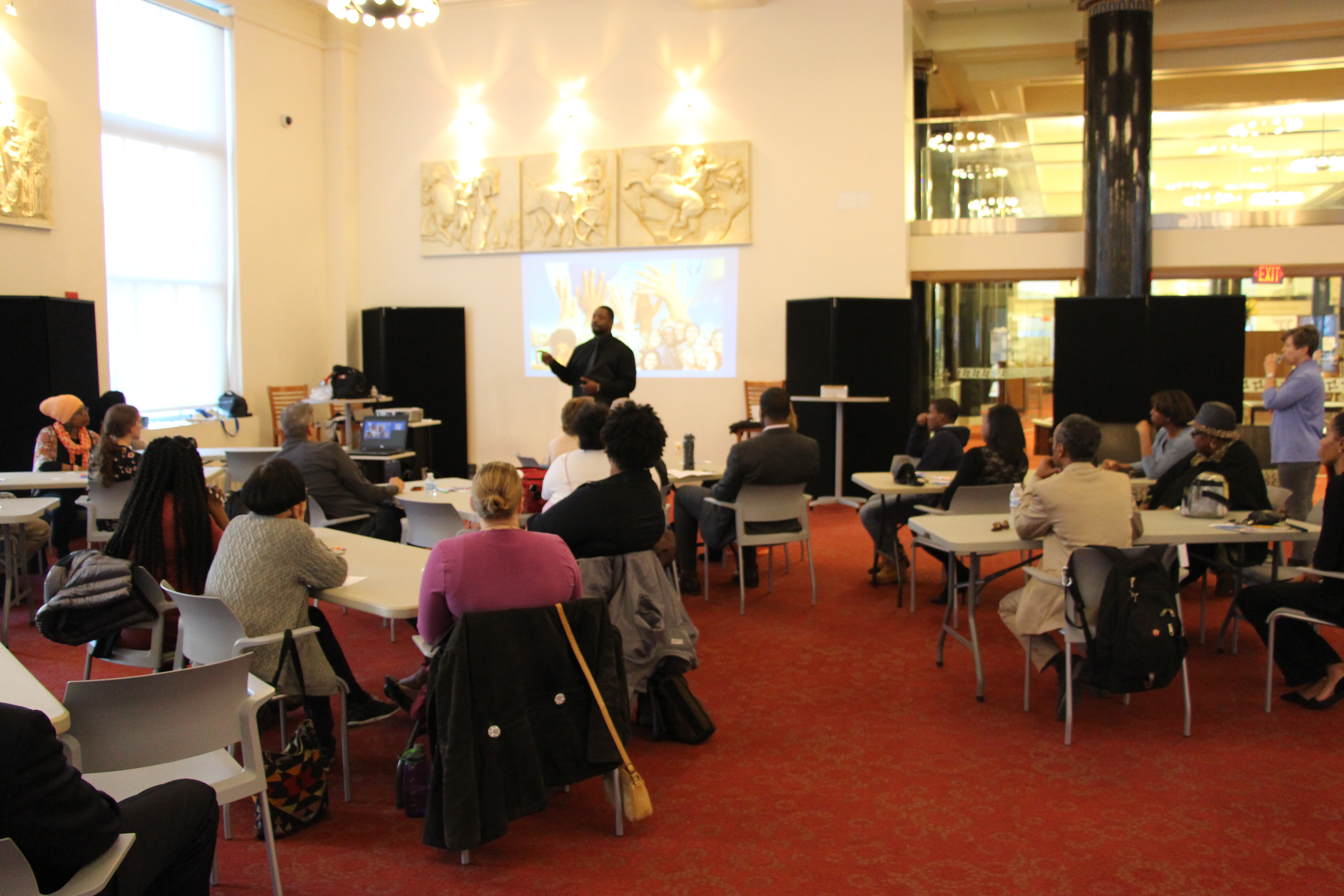 Throughout the nation, 2016 was an interesting but pretty contentious year. From protests of pipelines built on tribal land, excessive force by law enforcement, and a heated presidential race, emotions were high and questions were plenty. But a recurring theme in many news reports was the need for a safe place where communities can connect, discuss and find common ground on various issues for the betterment of all. After hearing of a library initiative in Howard County, Maryland called “Choose Civility,” Inspiration Space Coordinator Carl Shaw thought that the library may be a perfect place for concerned citizens and community leaders to have an honest discussion on how racial and culturally influenced incivility affects the whole of society.
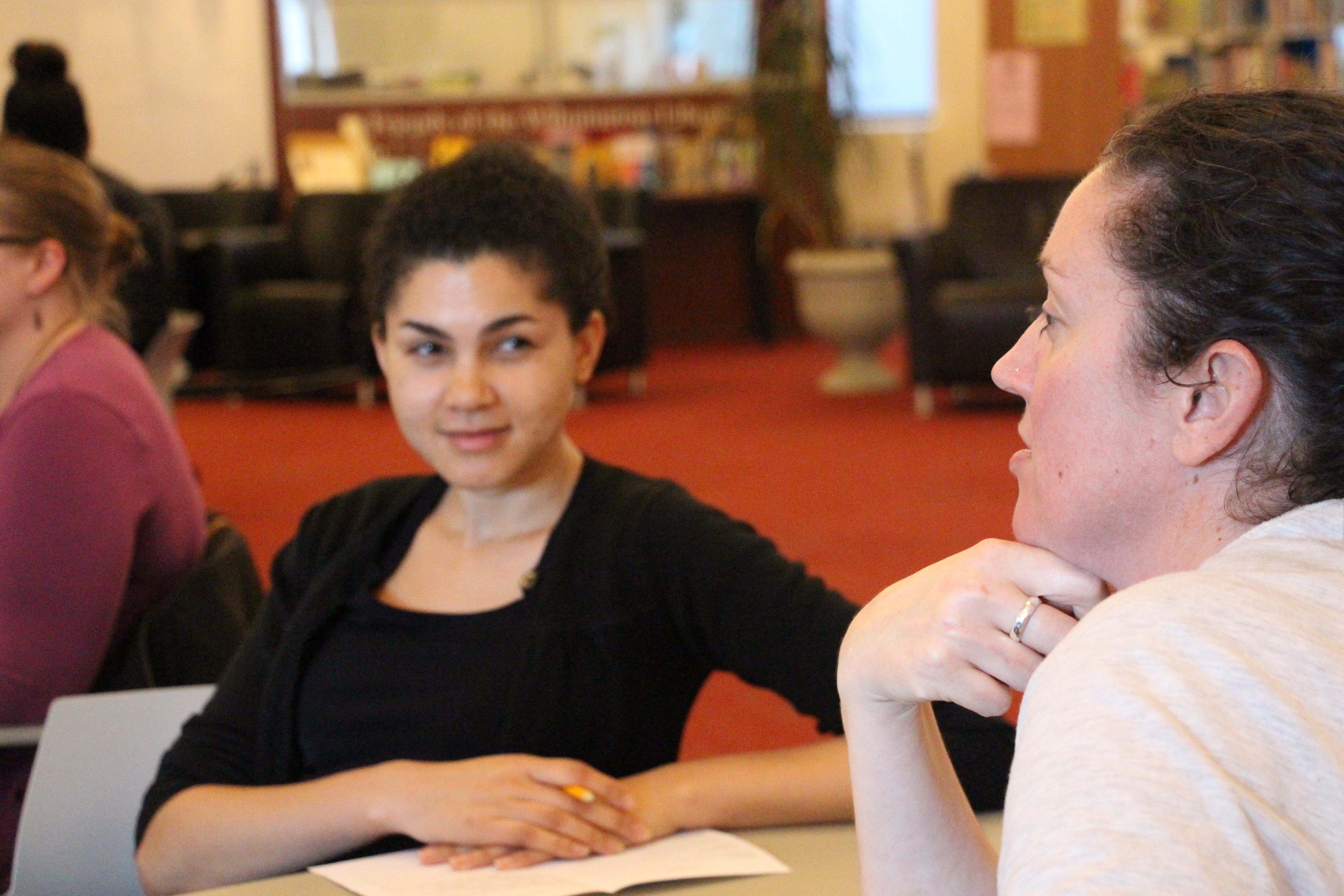
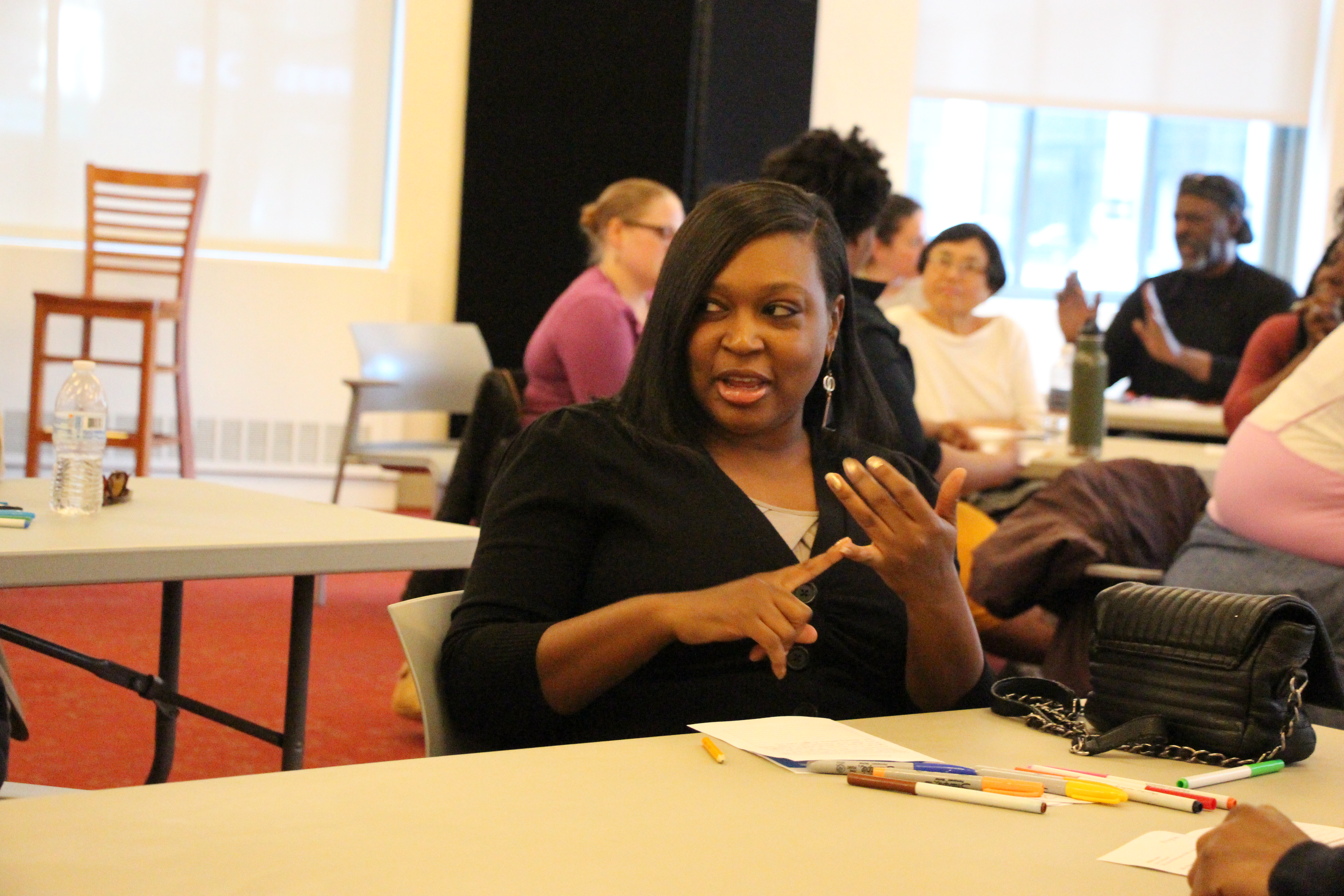
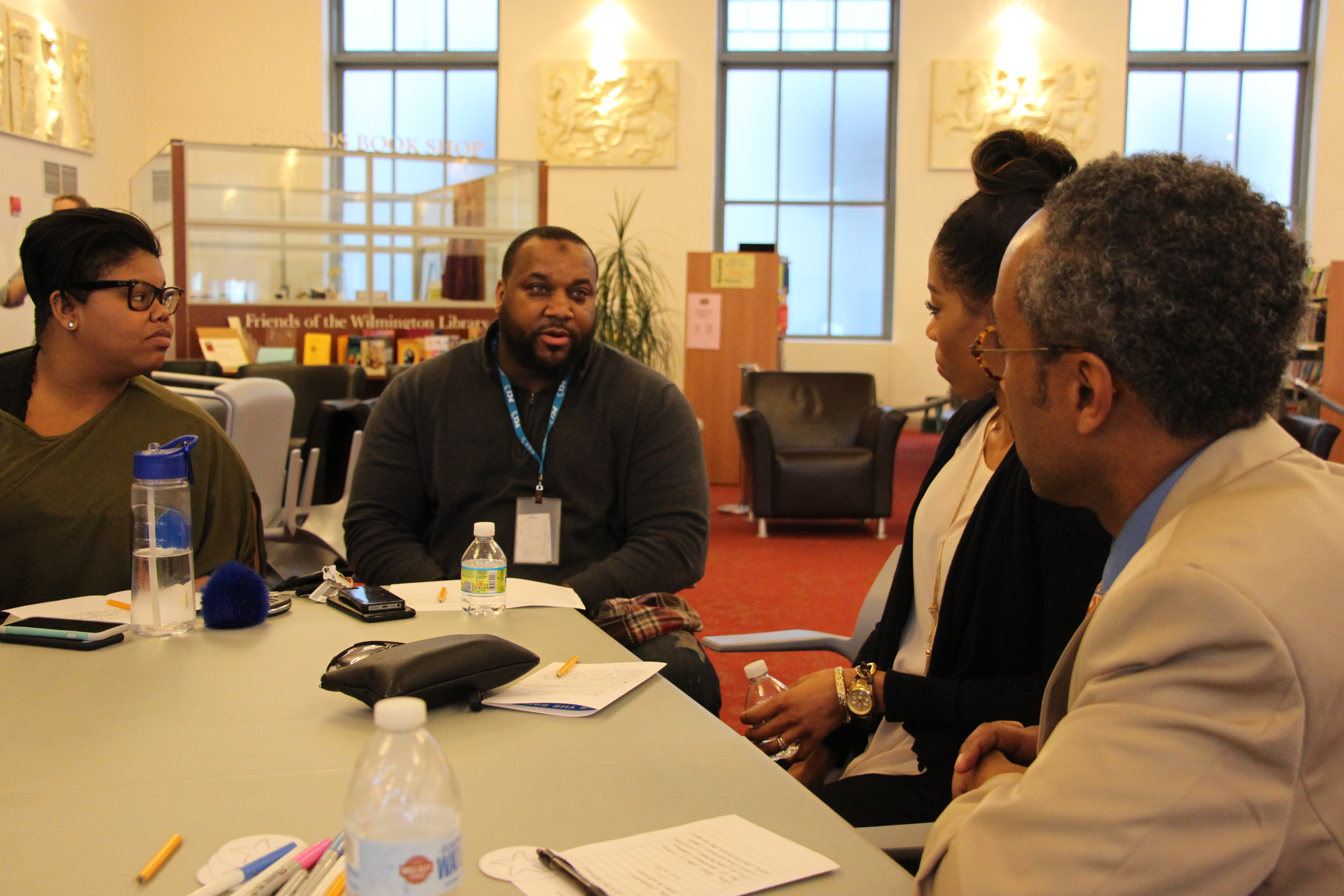
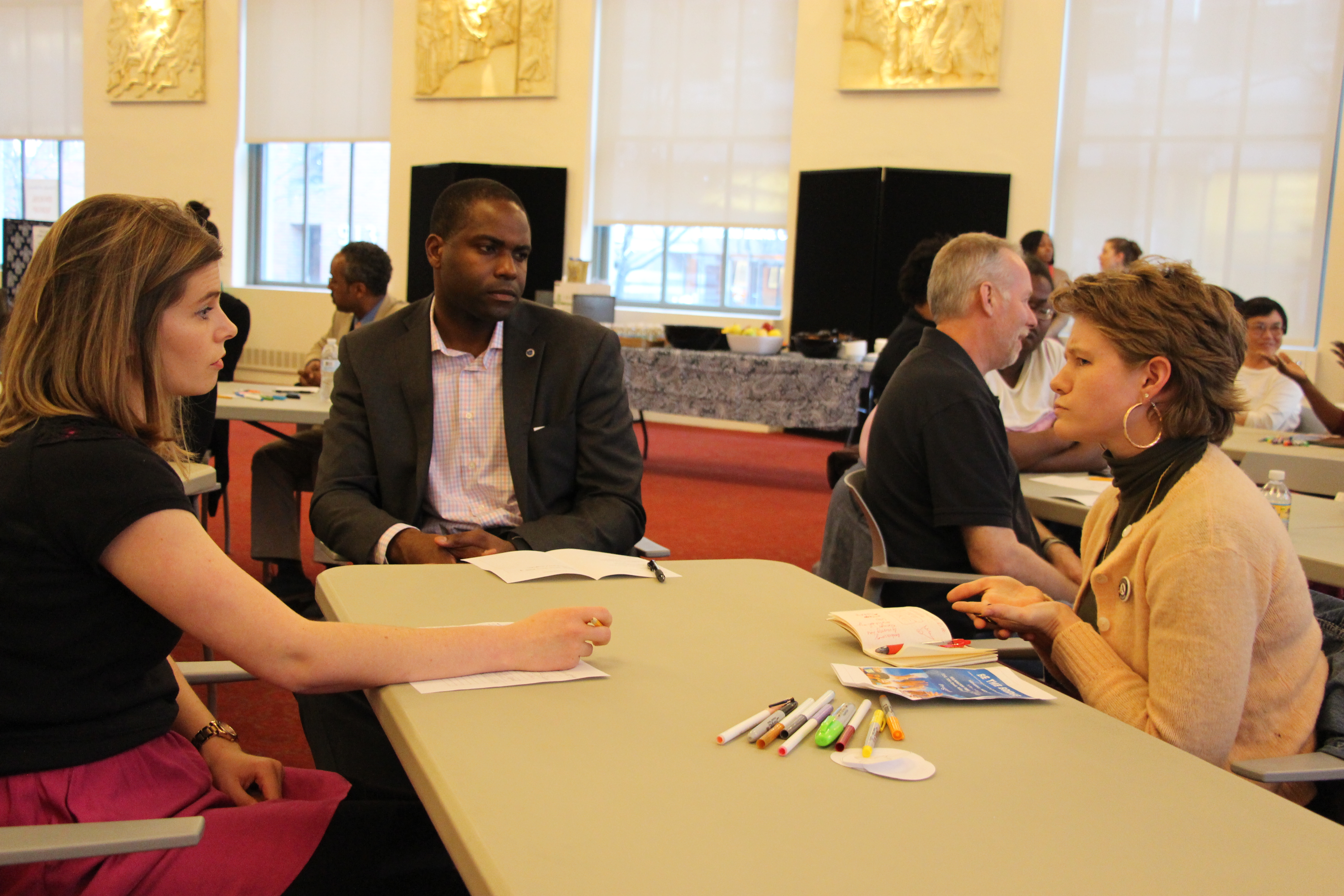
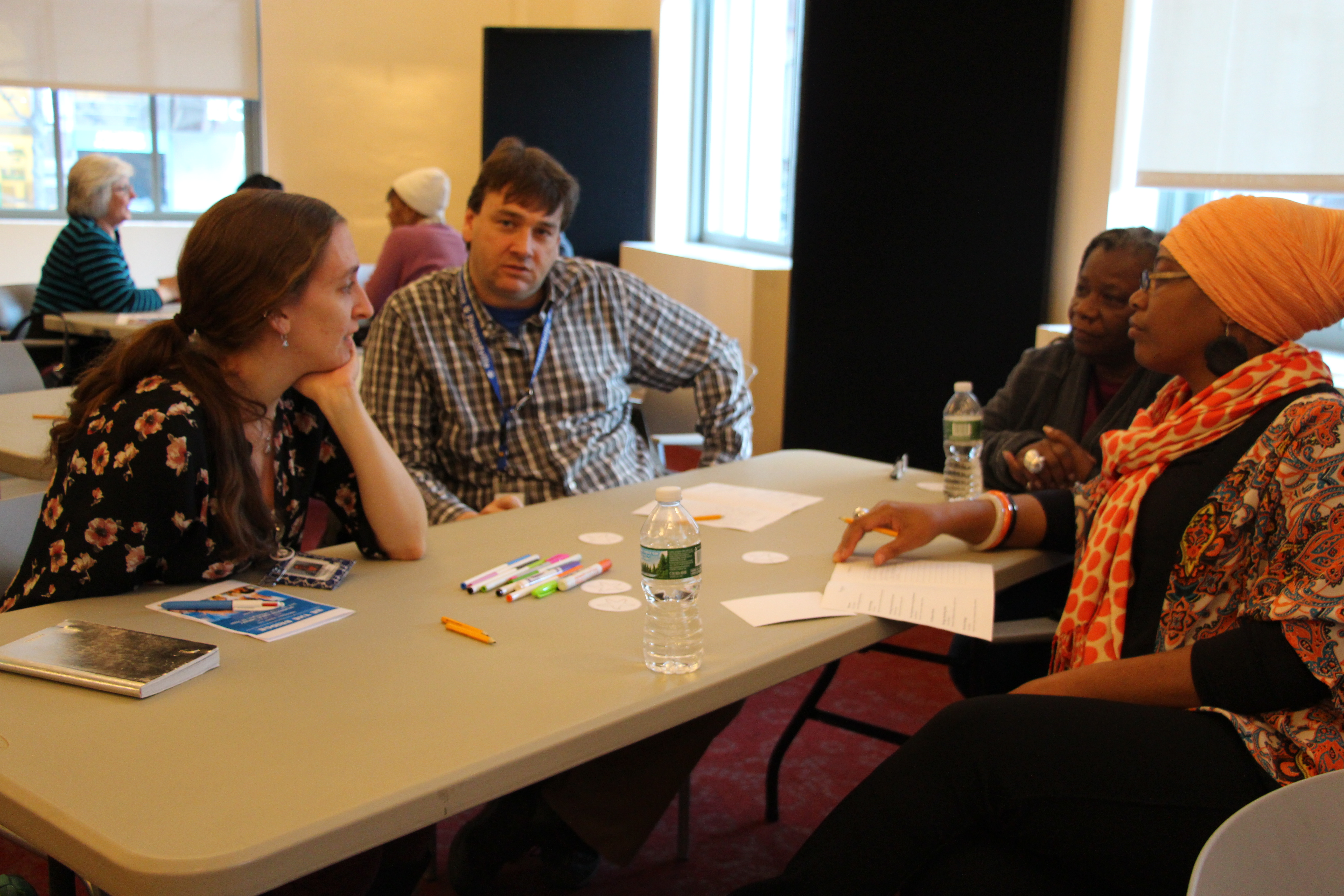
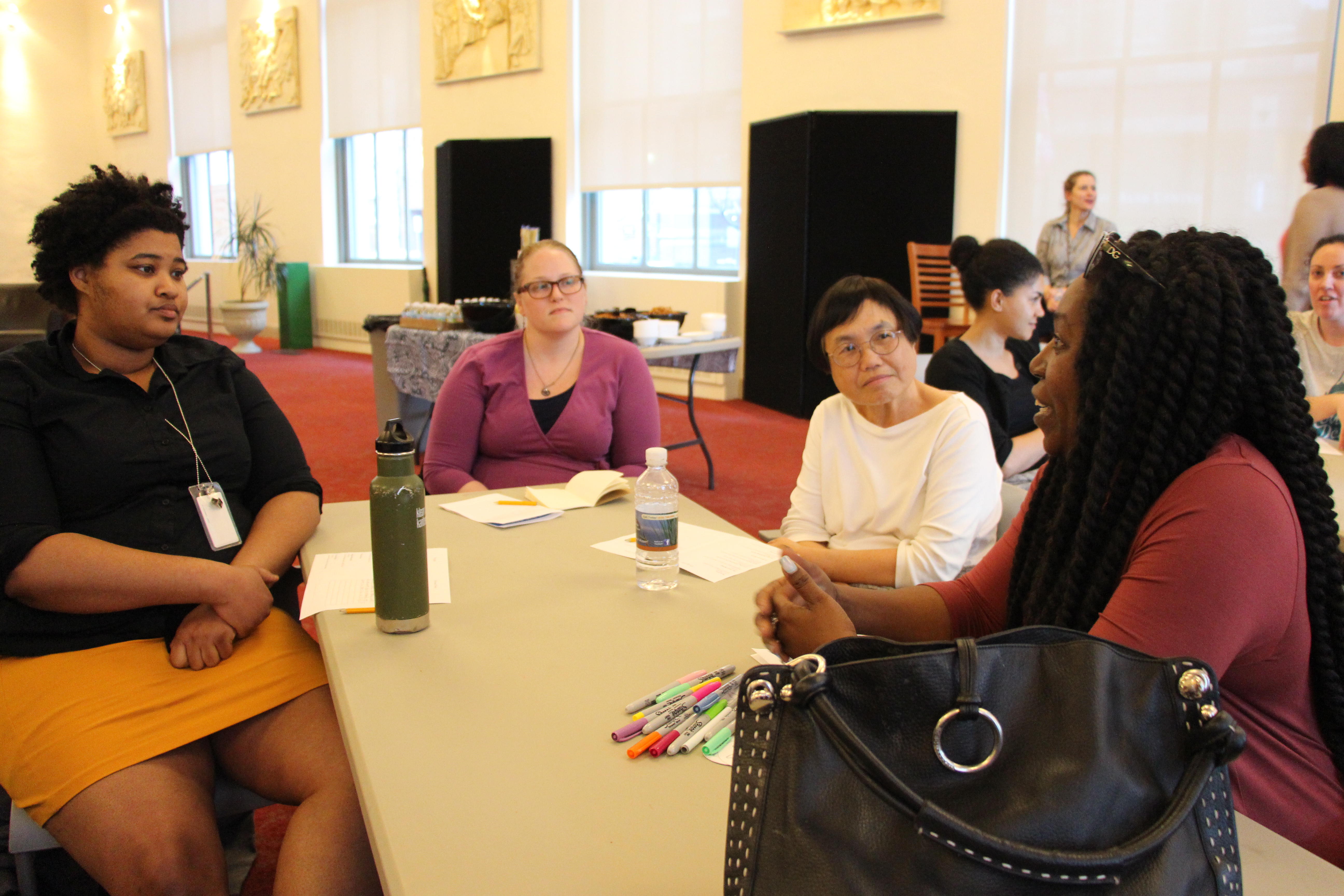
Addressing such a sensitive topic in a non-partisan public forum would take much strategic planning and insight from a group of individuals with diverse but like-minded perspectives. In order to provide a well-rounded approach, members of library staff, organizational leaders and local business owners were recruited to form a planning committee. On March 29, 2017, “Be the Bridge: A Better Future through Embracing Cultural and Racial Diversity” workshop convened at the Wilmington Library attended by over 40 participants. Attendees ranged from local politicians, educators, students, business owners and community leaders who all set aside their differences in thought and appearance to come together to share experiences and possible solutions to cultural, racial and gender discrimination. Participants also provided instances where embracing diversity enriched their lives in a positive way.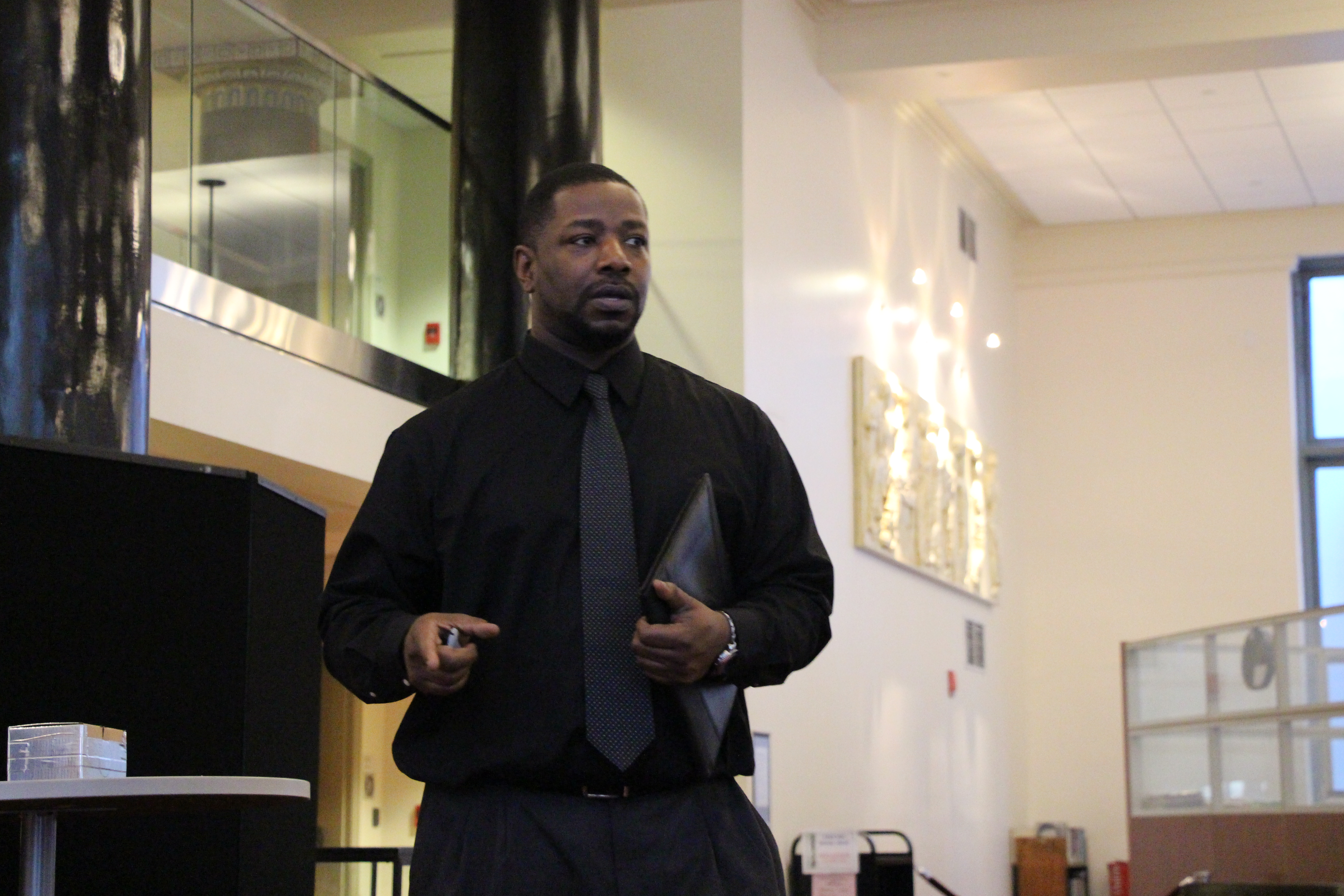
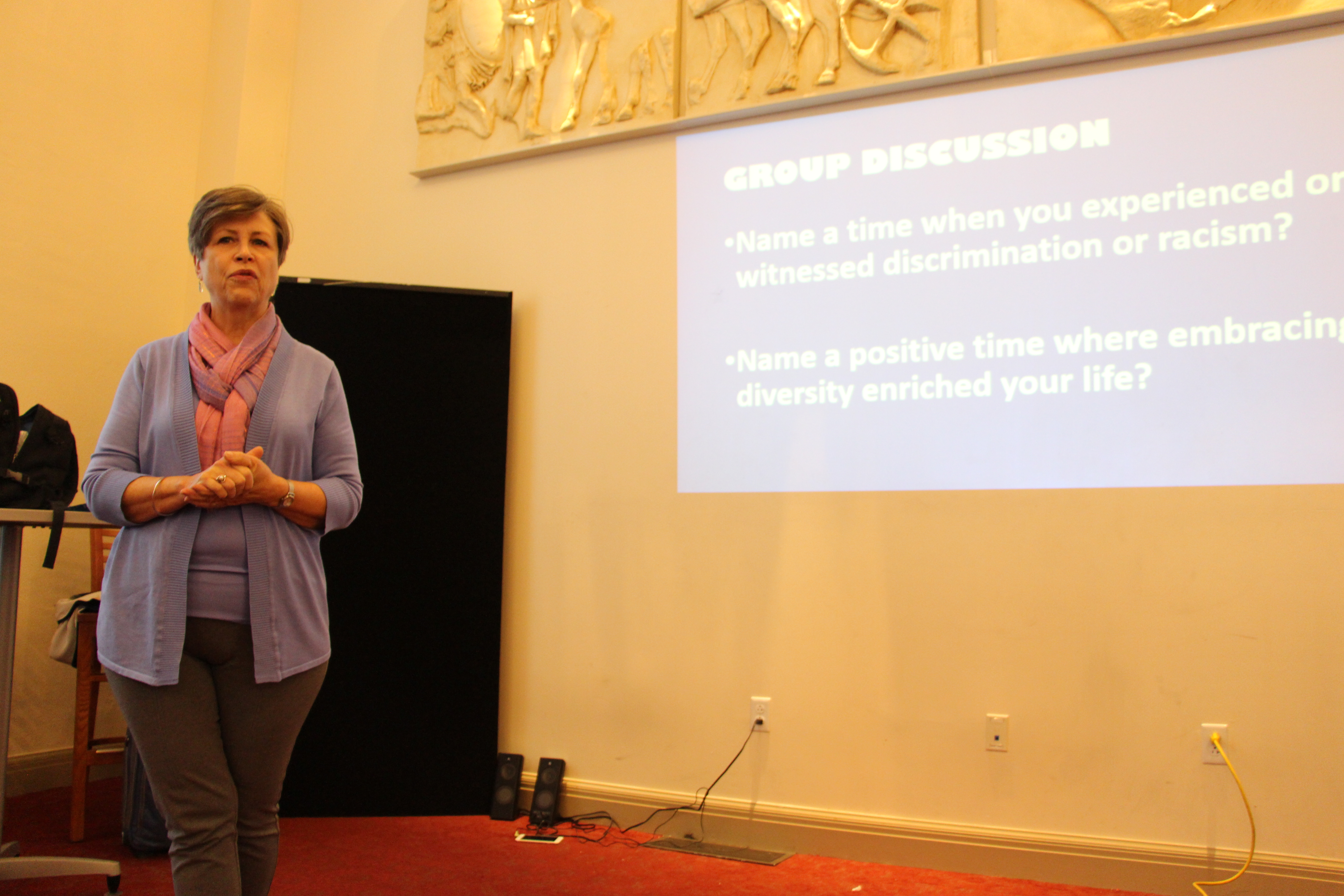
The event began with a welcome by Wilmington Library director, Larry Manual, followed by an opening address by Carl Shaw explaining the inspiration and backstory of the event. In his research and self-discovery, Carl presented evidence that the classification of humans based on physical traits, ancestry and genetics is a flimsy concept at best if not completely illusory. The audience was then taken on a “journey within” by registered yoga teacher and owner of Posh Yoga Studios, Charlene Sams, who conducted a set of meditation and deep breathing exercises to promote centeredness, openness and calm during the upcoming group discussion. Inspiration Space Microbusiness Consultant Janet Wurtzel led the group discussion which allowed participants to share positive and negative experiences as they related to diversity and cultural prejudgment. The event culminated with workshop facilitator Scott Michels of The C.A.U.S.E., who provided an overview of strategies on how to convert potentially offensive conversations and behavior, or simply transcend them, by not giving them the attention, power and affect that they might have previously held.
Attendees were extremely satisfied with the opportunity to discuss such a delicate topic in a non-threatening format and expressed the desire to continue this conversation. The library director stated that, “It’s good that people are starting to recognize that libraries aren’t just books, DVDs and computers. We’re now offering a venue for the community to come together and create positive change in the world.”



Written on: January 31st, 2017 by: Sarena Deglin in Archives
What do a few blocks of green Playdoh have in common with 3D design?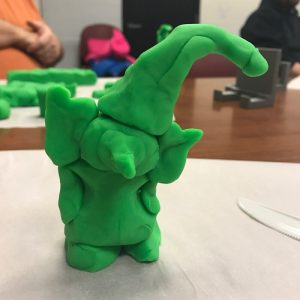
We were asking ourselves this very question during the first meeting of the Garfield Park Library Maker Club. Terence Blanch, Wilmington University professor and lifelong Maker, guided us through envisioning an object and assembling pre-determined Playdoh shapes to achieve that model.
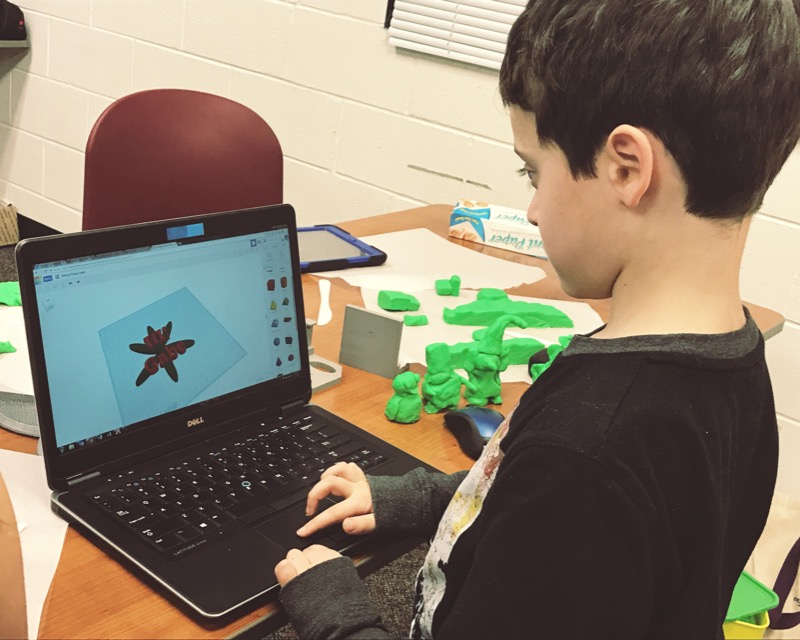
He challenged us to make a gnome, a gnome with a really big nose. He later introduced the club participants to TinkerCAD, a beginner-friendly computer-aided-design program that users can access from the Cloud. The shapes used in TinkerCAD resemble blocks of colored Playdoh.
The next Maker Club meeting will focus on the Exploration in Flight. Participants will make foam gliders, working to improve the design via rapid prototyping. Future meetings will include discussions on rocketry, circuitry, and drones.
Maker Club Schedule:
(Club meets on Mondays, times vary.)
Garfield Park Library is scheduled to host to an Astronomy Club, also led by Terence Blanch, NASA Ambassador. Participants will make their own telescope out of basic craft supplies such as card stock and construction paper. Attendees will discuss sky coordinates as well as how to view constellations such as Orion, the great Orion Nebula, Taurus, Aldebaran, and the Seven Sisters. You do not need your own equipment; binoculars and telescopes will be available at the library. This club is open to people of all ages.
Email Garfield Park Public Library or call (302) 571-7312 for more information about these fun clubs!
Garfield Park Public Library Calendar of Events.
Written on: September 23rd, 2016 by: in Archives
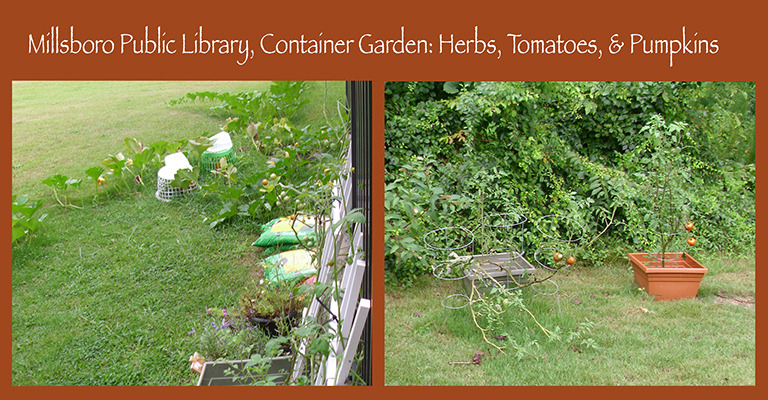
This summer, the Millsboro Public Library created a container garden to encourage children to learn about science, nature, nutrition, and more! The children grew tomatoes, lavender, rosemary, cherry tomatoes, cucumbers, zucchini, and pumpkins. Library Director Mary Brittingham told us, “The children particularly like the little cherry tomatoes because they are just the right size to hide inside their cheeks.” Congratulations on the wonderful program Millsboro Public Library!
Written on: July 7th, 2016 by: hope.ellsworth in Archives
With a nod toward Walt Disney, the Bridgeville Public Library hosts Imagineering opportunities for kids. One father explained the program this way:
“It was fantastic. There were kids soldering wires to circuit boards, assembling gearboxes, and using the 3d printer to make parts for their robots. They were using free programs for the 3d modeling and printing, online videos to learn how to assemble the components, and free tutorials as a guide to completing their projects. The teacher was great, and was really attentive to the kids and showed them how to answer their own questions. The other kids were incredibly polite, and even took my son with them to explain what they’re doing, why and how.
The whole time my son kept saying ‘can I make a robot?!’, he was super excited.”
The Imagineering Club and the Imagineering Basics Club are combining for the summer, and will meet every Wednesday from 3:30-5pm at the Bridgeville Public Library.
As usual, Mr. Keith will be there to help with the special projects and lab work (a basics lab and a new components lab). For more information contact the Bridgeville Public Library (www.bridgevillelibrary.com or 302-337-7401).
Written on: April 18th, 2016 by: carl.shaw in Archives
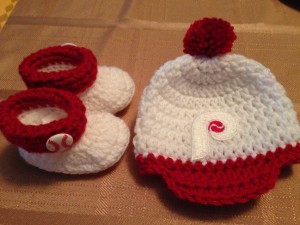
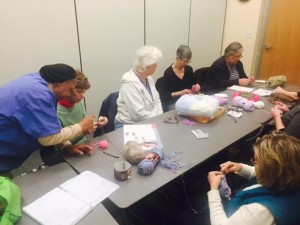
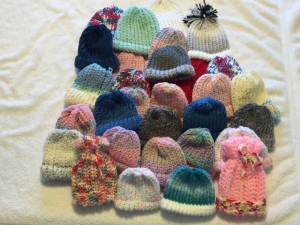
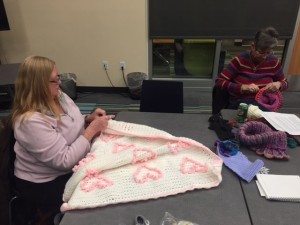
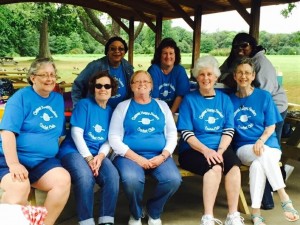 Four years ago Claymont Library patron, Valerie McClain (top left) dropped a note in the suggestion box inquiring why the majority of activities were for children. Shortly after, she was invited to address this concern first hand and she answered the call. The Crochet Club of Claymont Library was born and they are going four years strong. They meet every first and third Tuesday to talk, laugh, teach and most of all, create! Some of their creations such as scarves, preemie/chemo caps, blankets and other gifts have been donated to various organizations while some members are becoming blossoming entrepreneurs after receiving offers to purchase their unique wares.
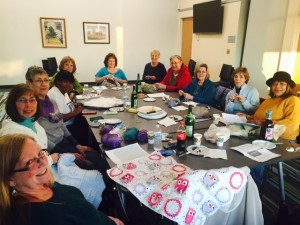
Most of all, a closely knit bond (pun intended) has been formed that expands to monthly luncheons, barbecues, book clubs and periodic day trips. They continuously welcome new members with open arms which was evident by the two new members who were being shown the ropes at the time of the interview. Everyone had their own reasons for joining the group but the consensus was the opportunity to be surrounded by great people working together to explore their creative potential!
This March, the group celebrated their four year anniversary with a fabulous party complete with sparkling cider, homemade baked goods and other refreshments! Our libraries are surely evolving! Join the Claymont Library Crochet Club on the 1st and 3rd Tuesdays of the month at 6:00pm.
Written on: March 8th, 2016 by: Sarena Deglin in Archives
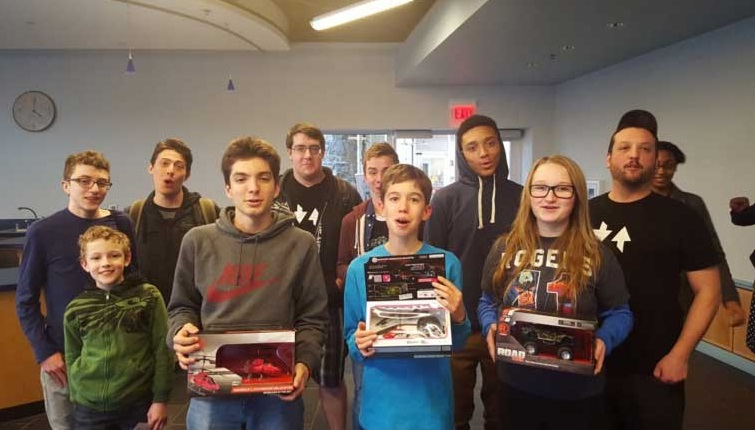 The first ever day of Robocode in Delaware Libraries was a blast!
This past Saturday, eight teens gathered at the Brandywine Hundred Library in Wilmington for this day-long workshop to learn the basics of coding with Java while building their own virtual battle tank. Students from Zip Code Wilmington led the class and guided the teens as they designed their bot’s strategy for battle.
Participants learned Java, laughed, and gave each other coder nicknames. What a great way to spend a cool Saturday in winter!
Written on: February 29th, 2016 by: Sarena Deglin in Archives, Learning
 I’m hosting my first MeetUp tonight.
I officially registered the N. Delaware 3D Printing MeetUp with MeetUp.com. I even named the members Enthusiasts. Since Delaware Libraries introduced 3D printing services a couple years ago I’ve met a lot of people in Delaware involved in some way with related technologies. I know them and they know me, but I’ve found they often don’t know of each other. I’m trying to bring them together to, well, meet up.
The first meeting will be at the Newark Free Library. I find it ironic that public libraries have served as places for people to meet others with similar interests for years, yet due to its growing popularity, I’ve been able to gain much more exposure and membership momentum by registering this new group with MeetUp.com.
My hope in gathering Enthusiasts is to increase collaboration across professions and communities, bring interested Delawareans to a neutral location to discuss how 3D printers have changed their lives. What brand of desktop 3D printer do they have at home? What do they use at work? For what purpose do they use it? How is 3D printing being introduced in schools?
Libraries across the world have been impelled to offer 3D printer services. Yet staff have been challenged by the amount of attention and maintenance required to keep our printers working in the libraries. Delaware’s libraries need community support to increase the success of these printers, to keep them running so anyone can place a request and witness their first print made. As more and more people are purchasing personal devices they too will require a community support network to figure out what they really brought into their homes. What is a ‘hot end isolator’ and where can I find one? How often am I supposed to ‘season’ the nozzle?
Hopefully, Enthusiasts from the N. Delaware 3D Printing MeetUp will be able to answer these kinds of questions for each other. Tonight’s meeting will be at a public library. Maybe the next meeting will be at a school, an engineering lab, or a 3D printer shop. Most important are the people coming together to create a community of practice around 3D printing and related technologies.
Delaware libraries that offer 3D printing services can be found on the Unleash Inner Genius LibGuide.
Written on: February 25th, 2016 by: Sarena Deglin in Archives
A couple months ago I was invited by one of my colleagues to a small gathering at the Wilmington Public Library to strategize ways to leverage the library’s 3D printers to help patrons with visual impairments. This had been an interest of mine, since the spring of 2014 when I first introduced a 3D printer and print to a member of the Delaware Library Access Services Friends Group.
Apparently it is one of Carl Shaw’s interests as well.
As the Inspiration Space Coordinator for the Wilmington Public Library, Carl has the fortune of working with a variety of library patrons, including Derek Alexander of the Delaware Division for the Visually Impaired (DVI). Carl and Derek experimented with some of the video recording and editing tools available to them at the Inspiration Space (such as a green screen and DSLR camera) to create a short video in which they discussed some practical applications for 3D printing to help the visually impaired. Please view their video by clicking here: 3D Printing for the Visually Impaired: Inspiration Space-Wilmington.
Together they came up with the idea to print a tactile map of the library.
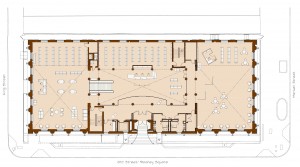

Using the floorplan provided in a brochure, we created a basic electronic map comprised primarily of solid black lines and rectangles. We opened the floorplan in Microsoft Publisher, traced the shapes that represented the reference desk, bookshelves, elevators, and other features that we thought would be relevant to someone using the map as a library way finder. Through a couple of electronic file conversions using software such as Inkscape and the online 3D modeling application Tinkercad, we created a series of .stl files – a format commonly recognized by 3D modeling software.
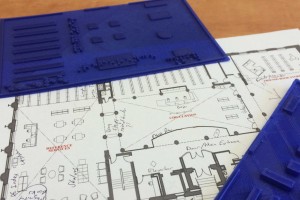 Our first iteration has proven promising. We have a couple of prints, focused on the first floor Reading Room and Reference area. We are working with our contacts at DVI to figure best practices using braille to identify features such as the elevator. The next challenge will be how to best represent the open stairway that leads down to the Teen and Children’s areas.
Please check back for future updates on this project.
Written on: February 9th, 2016 by: in Archives
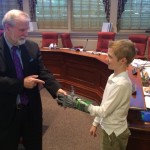
We are so thankful for all library supporters, including the Consavage family of Claymont, who spoke at the Joint Finance Committee hearing on February 3rd. After Clare and Colin Consavage told their story about 3-D printing Colin’s prosthetic hand at the Wilmington Public library, they received a standing ovation from legislators!
Transformational stories like this are truly what the library is all about. Read more about Colin and his family or watch an ABC or NBC news video of their story.


Delaware's Governor
State Agencies
Elected Officials
General Assembly
Delaware Courts
State Employees
Cities & Towns
Delaware State Code
State Regulations
Business First Steps
Phone Directory
Locations Directory
Public Meetings
Voting & Elections
Transparency
Delaware Marketplace
Tax Center
Personal Income Tax
Privacy Policy
Weather & Travel
Contact Us
Corporations
Franchise Tax
Gross Receipts Tax
Withholding Tax
Delaware Topics
Help Center
Mobile Apps
E-mail / Text Alerts
Social Media


Built by the Government Information Center
©MMXVIII Delaware.gov